






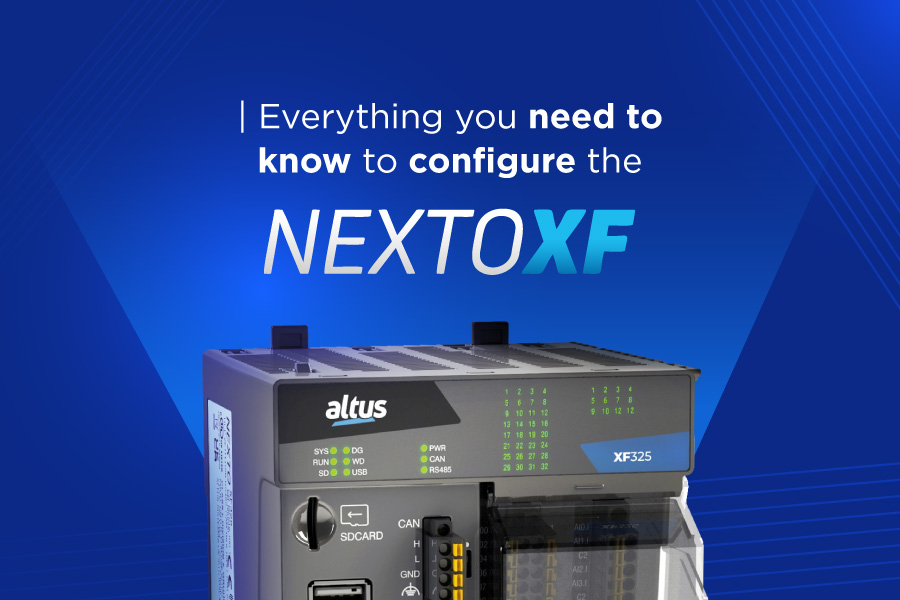
The evolution of industrial automation has reached a level where the distinction between floor-level control and data analysis is becoming increasingly seamless. Within this transformation, Altus consolidates its position with the launch of the first Nexto XF models, a series of controllers designed to operate as distributed intelligence platforms, fully prepared for the emerging challenges of Industry 4.0.
This article serves as a practical guide, leading new users from the moment of equipment acquisition to the mastery of its core functionalities. it compiles tutorial content, technical documentation, and audiovisual resources developed by our technical support team to date.
The goal here is to answer a simple question: now that the Nexto XF series is available on the market, how can you, as a user, extract the maximum potential from your hardware?
The answer lies in an extensive library of resources, ranging from videos produced by the technical support team to detailed manuals on communication protocols and cybersecurity, providing the necessary support to accelerate the learning curve and maximize application performance.
Content designed to help our customers
Knowledge base and YouTube videos
Manuals, datasheets, and presentations
I bought my XF, now what? Where to start? (First steps)
Mastertool download
Languages and the IEC 61131-3 standard
Flexibility is the key to operational innovation, and Mastertool embodies this principle by offering full support for the five programming languages standardized by the IEC 61131-3 norm: Structured Text (ST), Sequential Function Chart (SFC), Function Block Diagram (FBD), Continuous Function Chart (CFC), and Ladder Diagram (LD).
With this diversity, you can employ different languages within the same application, organizing projects, reusing previously developed code, and ensuring that your team, even with different specializations, can collaborate efficiently by choosing the most suitable language for each segment of the control logic.
How to create your first project – Click here
Developing the first logic for the XF
Ways to insert Open Contacts and Coils – Click here
Contacts in series – Click here
Contacts in parallel – Click here
Set and Reset Coils – Click here
Arithmetic operations (addition and subtraction) – Click here
Arithmetic operations (multiplication and division) – Click here
Using Logic Gates
Using AND and OR Logic Gates (3 inputs) – Click here
Using XOR and NOT Logic Gates – Click here
Creating subroutines
Creating subroutines – Function Block – Click here
Creating subroutines – Function – Click here
Creating Variable Lists: Persistent, Retentive, and Global
Creating a persistent variable list – Click here
Creating a retentive variable list – Click here
Creating a global variable list – Click here
Using MOVE, MUX, and SEL Blocks
MOVE Block – Click here
MUX Block – Click here
SEL Block – Click here
Now that you have the complete map of the territory, it is time to begin. Access Mastertool, connect your Nexto XF, and take your automation to the next level.
For additional questions, our technical support team is available to help on call:
Phone: +55 51 3589 9500
E-mail: support@altusautomation.com
Mon–Fri: 8AM–10PM | Sat: 8AM–5PM (GMT-3) | Closed Sundays & holidays.
Altus products rely on a specialized and highly qualified team, prepared to perform diagnostics and repairs with speed and precision. With a complete stock of replacement parts, we also offer an emergency repair service for critical situations, minimizing the risk of downtime.